
Receipt Weasel
Money & shoppingA little helpafter checkout.
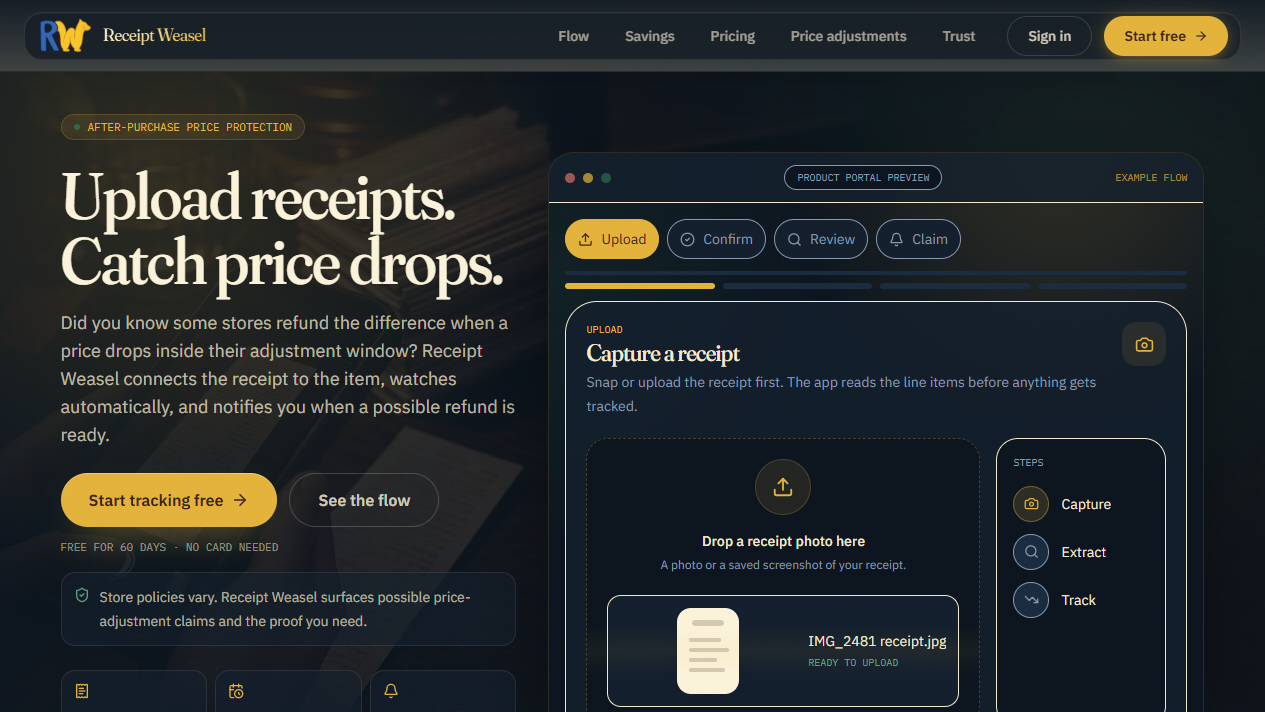
Bought it already? Keep an eye on the price. Receipt Weasel watches for drops inside the store’s adjustment window and gives you the steps to ask for the difference.
Trial credits to start · See the cost before you begin

Take a look inside
A place for the practical things.
Made for real life
From a receipt to your next step.
Save what you bought. Choose the items to watch. When a qualifying price drop appears, you get the store’s policy and the steps to ask for an adjustment.
Reads a receipt and lists what you bought
Watches supported purchases for price drops after checkout
Tells you when a drop lands inside the store’s adjustment window
Hands you the store’s policy and the claim steps
You ask the store. Refunds depend on the retailer’s policy and adjustment window; Receipt Weasel does not contact the store or guarantee a refund.
Good to know
The details, all here.
Before you start
- Start with trial credits. Your account shows the available balance and credit cost before you begin.
- Sign in with your Den account to save receipts and choose items to track.
- Refunds depend on the retailer and its adjustment window. Receipt Weasel does not contact the store for you.
Your information and privacy
- Information used
- Receipts, Receipt images, Store and product names, Dates, Prices, Email.
- Linked to your account
- Yes
- Shared with
- Service providers named in the WeaselDen privacy policy, for receipt reading, price lookups, billing, and hosting.
- Retention
- Receipt and purchase information stays while your account is active or until you delete it. Legal and security retention exceptions and temporary backups may apply.
- Deletion
- Delete receipts in the app or request account or data deletion at hello@weaselden.ai.
Declared by WeaselDen. This data label has not been independently spot-checked.
Read the privacy policyWhat the assistant can do
Den connector · actions documented 2026-09-29
- Open the DenReads data
See the available Den apps and your next step.
- Get startedReads data
Read the setup steps for Receipt Weasel and your Den account.
- Add a receipt imageWrites data
Read an uploaded receipt image and save its purchase details for your review.
- Add receipt detailsWrites data
Save the store, date, items, and prices from a receipt you describe.
- List your receiptsReads data
See the receipts already saved to your account.
- Read a receiptReads data
See a saved receipt and its line items.
- Confirm a receiptWrites data
Confirm the details of a saved receipt so its items are ready for tracking.
- Match a purchased itemWrites data
Associate a receipt line item with the product whose price should be watched.
- Watch item pricesWrites data
Start price monitoring for the purchased items you choose.
- Check price dropsReads data
Read your tracked items, current price-drop findings, and adjustment opportunities.
- Link Weasel EstatesWrites data
Link your Weasel Estates account to your Den account.
App details and useful links
- Sign-in
- Den account sign-in with OAuth
- Version
- Not published
- Builder
- Weasel Den
A few steps along the path
There’s more in the Den.